Network Equipment Suppliers in Nigeria: A Practical Buying Guide
Finding a network equipment supplier in Nigeria is easy. Finding one that supplies equipment suited to your actual network is harder. A small office, a hotel, a school campus and a multi-floor enterprise can all need switches, routers and wireless access points, but their specifications can be completely different.
The safest approach is to define the network first and buy the equipment second. Port count, uplink speed, PoE power, wireless client capacity, VLAN support, fiber connectivity and future expansion can matter more than choosing the cheapest device or simply buying the most familiar brand.
This guide explains the main types of network equipment, how to match them to different deployments, what specifications to check, what equipment can cost in Nigeria, and what to look for when choosing a supplier.
TL;DR
- Network equipment includes switches, routers, wireless access points, firewalls, gateways, optical networking equipment and supporting infrastructure. You do not necessarily need all of these for every network.
- For most business LANs, the switch is the central connectivity device. Port count, managed features, PoE capability and uplink capacity should be selected from the number and type of devices you need to connect.
- PoE is more than a yes/no feature. Check the PoE standard, the maximum power available per port and the switch’s total PoE budget against the power requirements of your phones, cameras or access points.
- Wireless capacity depends on more than advertised Wi-Fi speed. Client density, building layout, interference, uplink capacity and access-point placement all affect real-world performance.
- Fiber and SFP/SFP+ equipment must be matched by speed, fiber type, wavelength, connector and distance. A module that physically fits a switch is not automatically the correct module.
- Before requesting a quotation, give the supplier your number of users and devices, PoE requirements, internet bandwidth, existing equipment, number of locations, required wireless coverage and any fiber links.
What Is Network Equipment?
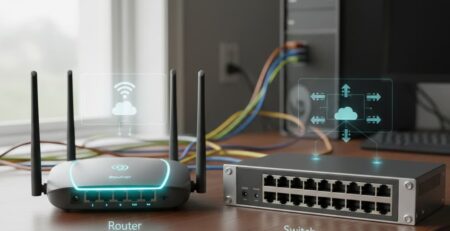
Network equipment is the hardware used to connect devices, move traffic between networks, provide wireless access, supply power to compatible endpoints, and control or secure network communications. It includes active devices such as switches and routers as well as optical interfaces and supporting network hardware.
The term is broader than computers, IP phones or CCTV cameras themselves. Those devices use the network; network equipment provides the infrastructure that connects and manages them. For a voice deployment, for example, IP phones depend on the LAN, PoE and routing infrastructure working together. A business network may therefore contain several equipment categories working together rather than one device doing everything.
Types of Network Equipment
Network switches
A network switch connects devices within a local network and forwards Ethernet traffic to the appropriate port. The basic buying question is not simply how many ports the switch has. You also need to consider whether it is managed, whether it supports PoE, what uplink speeds it provides, and whether you need VLANs or other traffic-control features.
An unmanaged 8-port Gigabit switch can be appropriate for a small, simple network where no segmentation or central management is required. A larger business may need a managed Layer 2 or Layer 3 switch with VLANs, QoS, SFP/SFP+ uplinks, monitoring and security controls. Businesses comparing network switches should therefore start with the required port count and features rather than simply choosing the lowest-priced model. RapidBTS sells switches across these categories, including Cisco and Grandstream models.
Routers
A router connects different networks and determines where IP traffic should go. In a typical business, the router may sit between the local network and an internet connection and can also provide functions such as VPN connectivity, routing, DHCP and traffic control depending on the model. For businesses that need remote connectivity or site-to-site VPNs, VPN routers are worth considering alongside the routing requirements.
Do not select a router solely by the advertised internet speed. Check its real routing throughput, WAN and LAN interfaces, VPN requirements, concurrent connections and whether it can support the number of users and services you expect. RapidBTS sells business and wireless routers, including Cisco routers and Grandstream Wi-Fi routers.
Wireless access points
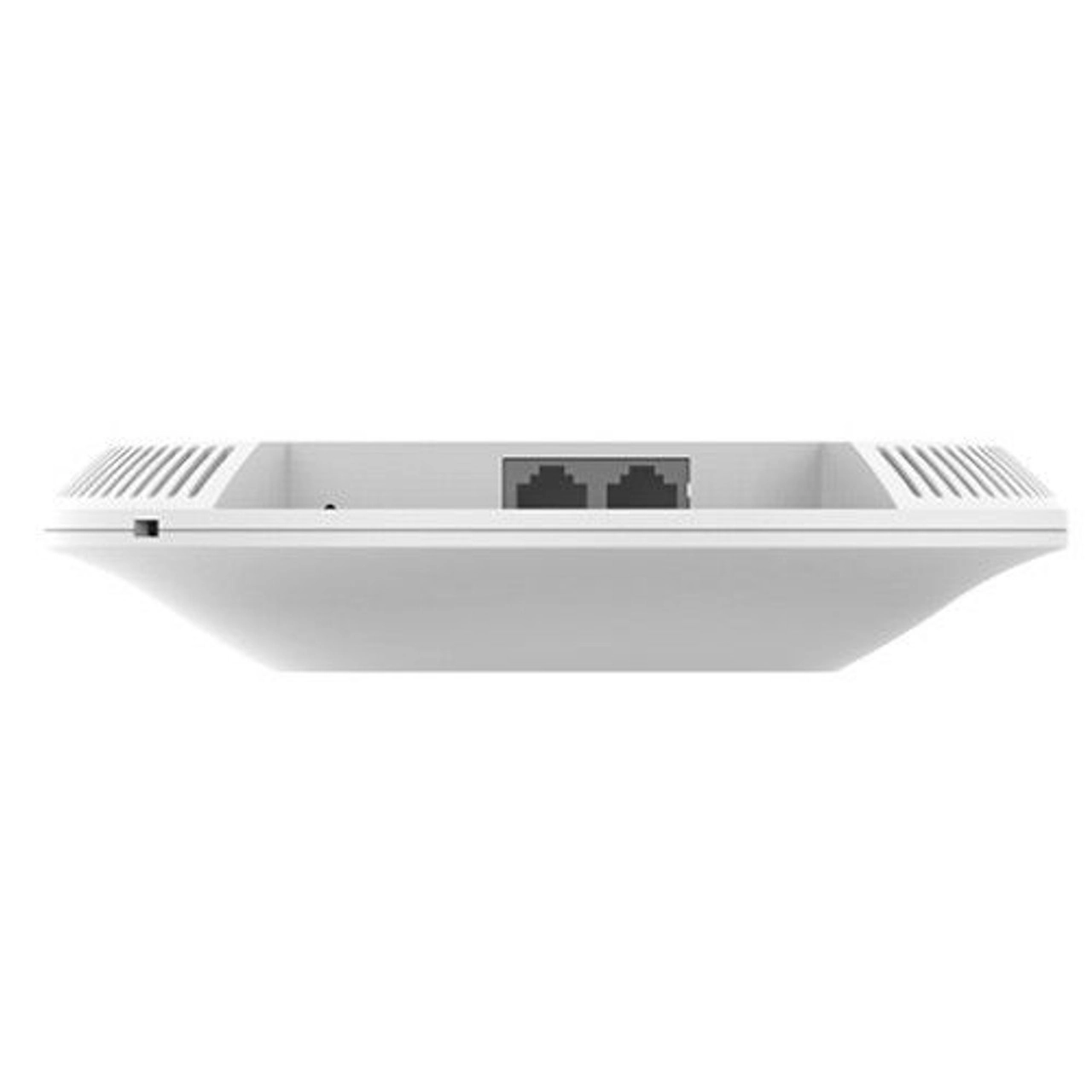
A wireless access point provides Wi-Fi connectivity to client devices and connects those clients to the wired network. The right AP depends on the physical space, expected client density, required wireless standard, available Ethernet uplink and whether the deployment is indoors or outdoors. RapidBTS sells wireless access points for different environments and coverage requirements.
Advertised wireless throughput should not be confused with the number of users an AP can serve at full speed. A high-density office, hotel or classroom may need multiple strategically placed APs rather than one powerful unit. RapidBTS sells indoor, outdoor and high-capacity wireless access points, including Wi-Fi 6 models.
Firewalls and network security appliances
A firewall controls and filters network traffic according to security rules. Depending on the appliance, it can also provide VPNs, intrusion prevention, application controls, web filtering, logging and other security functions.
A basic router may include firewall features, but a larger or security-sensitive network may require a dedicated security appliance with the throughput and inspection features appropriate to the traffic volume. Compare the security requirements with the device’s actual performance, because deep inspection and advanced security services can reduce effective throughput.
Gateways and network converters
Gateways connect networks or technologies that do not communicate through the same interface or protocol. Examples include VoIP gateways, media converters that translate copper Ethernet to fiber, and cellular gateways that provide network connectivity through mobile networks.
The right gateway is determined by what has to be connected on each side. Buying a device based only on the number of ports can miss the more important question: what interfaces, protocols, traffic volumes and services does the deployment require?
If the gateway is part of a business VoIP deployment, it is also worth understanding the trade-offs of the technology before selecting hardware. RapidBTS explains the advantages and disadvantages of VoIP for Nigerian businesses and how they can affect a company’s communications setup.
Fiber and optical networking equipment
Fiber networking equipment includes fiber cable, SFP modules, fiber-capable switches and other optical interfaces. It is commonly used for longer links, building-to-building connections, network backbones and high-speed uplinks.
The optical components have to be matched. Check fiber mode, transmission distance, wavelength, connector, speed and equipment compatibility before ordering. This is particularly important when adding SFP/SFP+ modules to an existing switch.
Network infrastructure and accessories
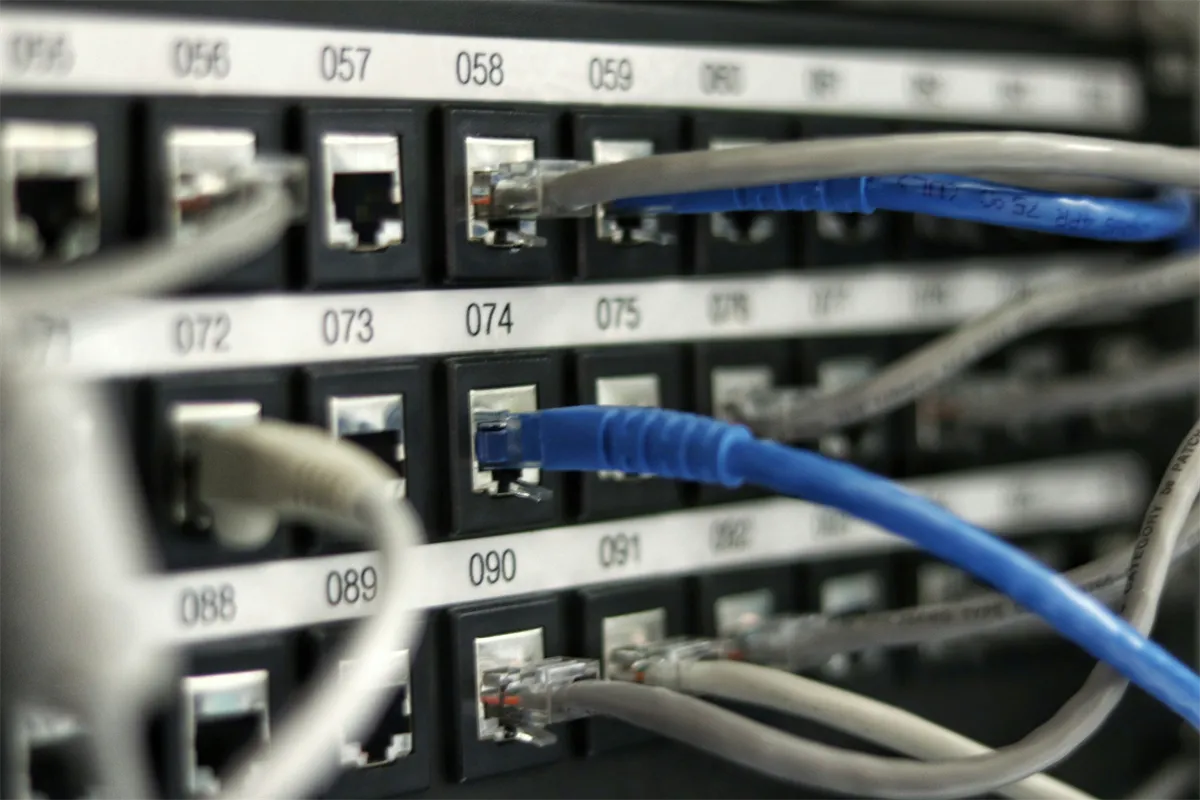
A functioning network also depends on supporting infrastructure such as patch panels, racks and cabinets, Ethernet patch cords, fiber optic equipment, PoE injectors, network adapters and cable-management hardware.
These items may not determine network throughput, but using the wrong supporting component can still create installation, power or maintenance problems. For larger installations, procurement should consider the complete deployment rather than pricing only the main switch or router.
What Network Equipment Does a Business Need?
Most businesses need a combination of equipment rather than a single network device. The exact combination depends on the number of users, applications, building layout and whether devices such as IP phones, cameras and access points need network power.
| Deployment | Typical equipment | What matters most | Common mistake |
|---|---|---|---|
| Small office | Router + network switch + one or more APs | Port count, internet throughput, Wi-Fi coverage | Buying too few ports and leaving no room for growth |
| Medium business | Router/firewall + managed network switches + PoE switches + multiple APs | VLANs, PoE budget, uplinks, client density | Treating Wi-Fi coverage as a single-AP problem |
| Enterprise/campus | Core/distribution/access switching + routing/security + fiber + APs | Redundancy, segmentation, uplink capacity, scalability | Using low-capacity access equipment at aggregation points |
| Hotel | Router/firewall + managed PoE switches + multiple APs + VLANs | Guest isolation, coverage, PoE, roaming and uplinks | Putting guests, staff and infrastructure on one flat network |
| CCTV deployment | PoE switches + uplinks + routing/storage infrastructure | PoE budget, camera bandwidth, uplink capacity | Checking port PoE but not total switch power budget |
How to Choose the Right Network Equipment
Count the devices, not just the employees
A 30-person office may have 30 computers but also IP phones, printers, access points, cameras, meeting-room systems and servers. Count actual Ethernet endpoints before deciding how many switch ports you need.
Leave room for expansion
Buying a 24-port switch for exactly 24 current devices leaves no convenient capacity for growth, replacement devices or temporary connections. Leave spare ports and, where appropriate, spare uplink capacity.
Calculate PoE requirements
Add the power requirements of devices drawing power from the switch. A switch may have enough PoE-enabled ports but still have an insufficient total power budget for all connected devices.
Decide whether the network needs management
If you need VLANs, QoS, traffic monitoring, port security, link aggregation or centralized configuration, choose managed equipment. An unmanaged switch cannot provide those controls.
Match uplinks to the network’s traffic
Access ports can be Gigabit while uplinks may need 2.5Gbps, 10Gbps or fiber depending on the traffic aggregated from the access layer. An undersized uplink can become the bottleneck.
Design wireless around users and buildings
AP selection should account for client density, wall construction, interference, expected applications and placement. High-density video conferencing can create very different requirements from a small office.
Check compatibility before ordering
Verify SFP/SFP+ support, PoE standards, controller requirements, VLAN capabilities, management platform compatibility and existing equipment models.
Plan for the next upgrade
Consider spare switch ports, higher-speed uplinks, additional fiber cores and equipment that can be centrally managed. Rebuilding the physical backbone later is usually more disruptive.
Managed vs Unmanaged Network Equipment
Choose a managed switch when you need control over how traffic moves through the network. Managed switches can provide VLANs, QoS, monitoring, port security and link aggregation, making them appropriate for networks that need segmentation, prioritization or centralized administration.
Choose an unmanaged switch when the network is simple and the priority is straightforward connectivity without configuration. An unmanaged switch can be adequate for a small group of devices, but it becomes a poor fit when the business needs separate guest and staff networks, voice prioritization or other managed controls.
The decision should be based on operational requirements, not simply the number of ports. A small business can legitimately need a managed switch if it runs VoIP, guest Wi-Fi and business systems on separate VLANs.
Why Network Equipment Compatibility Matters
Network components have to work together at the interface, protocol and performance levels. A switch may have an SFP+ cage, for example, but that does not mean every SFP+ module will be suitable for it. The optical module still needs the correct speed, wavelength, fiber type, distance and supported compatibility.
PoE creates a similar issue. A switch that supports PoE+ is not automatically suitable for every powered device. Check the device’s power requirement, the switch’s supported PoE standard and the total power budget. RapidBTS sells PoE switches ranging from compact unmanaged models to higher-capacity managed switches, so the correct choice depends on the endpoints being powered.
Wireless deployments also need compatibility between access points, power delivery and network uplinks. An access point can have high aggregate wireless capacity while its Ethernet uplink or PoE supply becomes the limiting factor.
How Much Does Network Equipment Cost in Nigeria?
There is no useful single price for network equipment in Nigeria because a five-port unmanaged PoE switch and a 48-port Layer 3 managed PoE switch solve completely different problems. Price is driven by port count, management features, PoE capacity, uplink speed, wireless capacity, brand, security features and other specifications.
| Equipment example | RapidBTS catalogue example* | Key specification | Why price differs |
|---|---|---|---|
| Grandstream GWN7700P | ₦59,500 | 5 Gigabit ports; 4 PoE+ ports; up to 30W per port | Small unmanaged PoE deployment |
| Grandstream GWN7811P | ₦297,000 | 8 Gigabit ports; 2×10G SFP+; managed Layer 3 PoE | Management, high-speed uplinks and enterprise features |
| Grandstream GWN7813P | ₦641,000 | 24 Gigabit ports; 4×10G SFP+; Layer 3 managed PoE | More ports, uplink capacity and enterprise features |
| Grandstream GWN7816P | ₦1,360,000 | 48 Gigabit ports; 6 SFP+; Layer 3 managed; PoE/PoE++ | High port count, stacking and higher-capacity deployment |
| Grandstream GWN7660 | ₦153,000 | Wi-Fi 6; 1.77Gbps aggregate throughput; up to 256 clients | Wireless capacity and Wi-Fi generation |
| Grandstream GWN7052F | ₦122,000 | 5 Gigabit ports; dual-band Wi-Fi; VPN support | Router and wireless gateway functions |
*Catalogue prices checked during drafting can change and should not be treated as fixed market prices.
The comparison shows why a supplier quotation should be based on a specification rather than a generic request for a network switch. A low-cost unmanaged PoE switch may be right for a small deployment, while a more expensive managed switch can be justified where the network needs VLANs, high-speed uplinks, monitoring and a large PoE budget.
How to Choose a Network Equipment Supplier in Nigeria
Choose a supplier that can understand the deployment and provide compatible equipment, not simply one that advertises the lowest unit price. A good supplier should work from the network requirements and explain why a particular specification is appropriate.
- Ask whether the supplier can recommend equipment based on your user count, devices and network architecture.
- Confirm that proposed switches, routers, APs, optics and PoE equipment are compatible with one another and existing infrastructure.
- Ask what warranty, technical support and after-sales assistance are available.
- Confirm whether the supplier can provide equipment for the entire deployment rather than forcing you to source critical components from several vendors.
- Check delivery coverage if equipment must reach locations outside Lagos.
- For projects involving installation or configuration, establish whether those services are available separately from equipment supply.
For a larger project, give the supplier a written equipment schedule rather than ordering product by product. This makes it easier to check port counts, PoE budgets, uplinks, optics and spare capacity before the equipment arrives.
Why Choose RapidBTS for Network Equipment in Nigeria?
RapidBTS sells network equipment for business and infrastructure deployments, including network switches, PoE switches, routers, wireless access points and optical networking equipment. Its catalogue includes products from brands such as Cisco, Grandstream, EnGenius, Cambium and MikroTik.
That breadth can be useful when a project needs several connected equipment categories rather than a single switch. For example, a business network may require a router, managed PoE switches, wireless access points and fiber uplinks. RapidBTS sells products across those categories, allowing the buyer to build the equipment list around the network design rather than source every component separately.
For smaller deployments, RapidBTS sells straightforward unmanaged PoE switches such as the Grandstream GWN7700P. For larger deployments, it sells managed switches with Layer 3 features, VLAN support, QoS, SFP+ uplinks and higher PoE capacity. Buyers can compare the available PoE switch options against their port count and power requirements before requesting a quotation.
RapidBTS also sells indoor and outdoor wireless access points, including Wi-Fi 6 models and higher-capacity enterprise APs, giving businesses options for offices, hotels, campuses and outdoor coverage requirements.
What to Tell a Network Equipment Supplier Before Requesting a Quote
Give the supplier enough information to select equipment rather than asking for a generic network setup. At minimum, provide:
- Number of employees and actual network-connected devices.
- Number of IP phones, cameras, access points and other PoE endpoints.
- Number of Ethernet ports required now and expected growth.
- Internet connection speed and number/type of WAN connections.
- Number of buildings or floors and approximate distances between network locations.
- Whether fiber links or high-speed uplinks are required.
- Whether guest, staff, voice, CCTV or other traffic needs separate VLANs.
- Existing switch, router, firewall, access-point or fiber equipment that must remain.
- Any requirements for VPN, remote access, centralized management or network monitoring.
- Whether installation, configuration, testing or support is required in addition to equipment.
If you can provide a floor plan, device count or network diagram, do so. For wireless deployments especially, physical layout and wall construction can affect the number and placement of access points more than the product’s headline Wi-Fi speed.
Frequently Asked Questions
Can I mix network equipment from different brands?
Yes. Network equipment from different brands can work together when the relevant standards, interfaces and protocols are supported. Ethernet switches, routers and access points do not generally need to come from one manufacturer. However, proprietary management systems, advanced controller features and certain optical modules can introduce compatibility limitations. For a mixed-brand network, verify the interfaces, PoE standards, VLAN behaviour, routing requirements and management method before purchasing.
How many network switches does a business need?
The number of switches depends on the number of network endpoints, switch port counts, physical layout and network architecture. A small office may need one switch, while a multi-floor business may use several access switches connected to higher-speed uplinks. Do not calculate from employee count alone. Count computers, IP phones, cameras, access points, printers, servers and spare capacity, then account for the number of usable ports on each switch.
Do all network switches support PoE?
No. Many network switches do not provide Power over Ethernet. A PoE switch is designed to deliver both network connectivity and electrical power over compatible Ethernet cabling. If you need to power IP phones, cameras or wireless access points, check the PoE standard, power available per port and total PoE budget. Buying a non-PoE switch for a deployment that requires powered endpoints can create additional hardware and cabling requirements.
When should I use a Layer 3 switch instead of a Layer 2 switch?
Use a Layer 3 switch when the network needs routing functions between VLANs or subnets at the switching layer. Layer 2 switches primarily forward traffic within the local Ethernet network, while Layer 3 switches can route between logical networks. A Layer 3 switch can be useful in larger business or campus networks where multiple VLANs need efficient inter-VLAN routing, but a smaller network may not need that capability.
Do I need a separate firewall for my business network?
Not always, but many businesses benefit from a dedicated or security-focused firewall when they need stronger traffic control, VPNs, security inspection, logging or policy enforcement. Some routers include firewall functionality that may be sufficient for a small office. The decision should be based on users, traffic, remote-access requirements, security policies and required features rather than company size alone.
Can a network be upgraded without replacing all the existing equipment?
Yes, often. Businesses can upgrade individual switches, access points, routers or uplinks while retaining compatible equipment elsewhere. The limiting factor is compatibility and the capabilities of the existing hardware. For example, adding 10Gbps uplinks requires compatible ports, transceivers and cabling at the relevant endpoints. Designing with spare ports, scalable uplinks and standards-based equipment makes phased upgrades easier.
What information should I provide when requesting a network equipment quotation?
Provide the supplier with the number of users and devices, required ports, PoE devices, internet bandwidth, wireless coverage requirements, existing network equipment, number of buildings or floors, fiber distances and VLAN or security requirements. If you have a network diagram or floor plan, include it. The more accurately the supplier understands the deployment, the less likely the quotation is to contain equipment that is underpowered, incompatible or unnecessarily expensive.
Can network equipment suppliers deliver across Nigeria?
Yes. Network equipment can be supplied and delivered to customers across Nigeria, although delivery time and cost depend on the destination and equipment. RapidBTS provides nationwide delivery, so customers outside Lagos can request equipment for business and infrastructure deployments without being located near the company’s Lagos office.
Final Takeaway
The right network equipment supplier should help you build from requirements rather than sell you the biggest or cheapest device available. Start with the users, connected devices, traffic, power requirements, wireless coverage, uplinks and expected growth. Then select switches, routers, access points, optical equipment and security hardware that work together.
If you are sourcing equipment for a business, office, hotel, school, CCTV deployment or other network project, give RapidBTS the network requirements and existing equipment details. That provides a better basis for recommending the appropriate equipment than choosing products individually by price.