
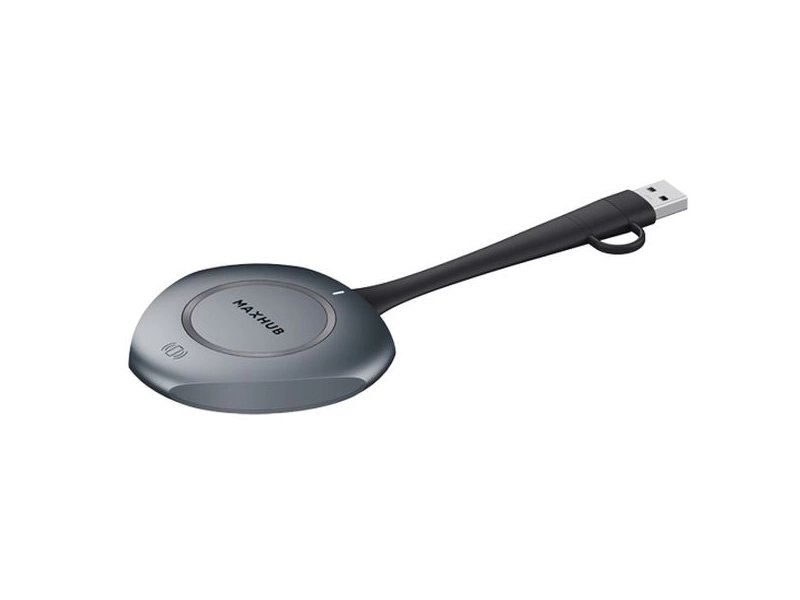
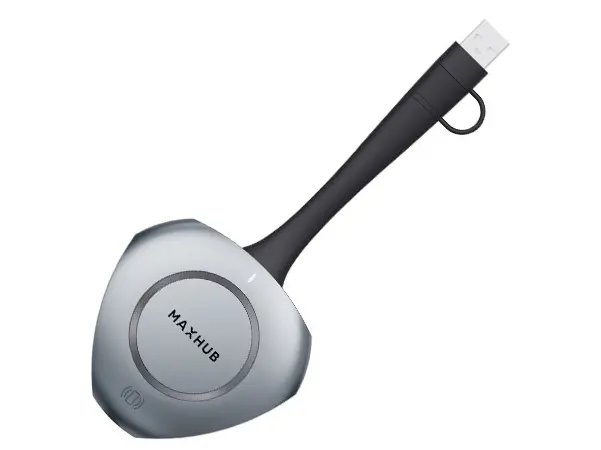
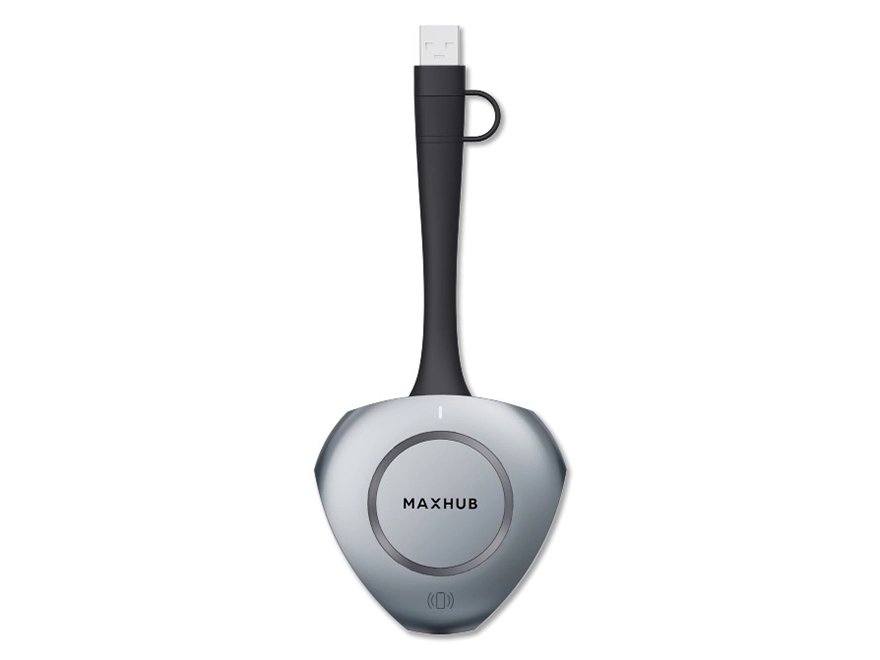
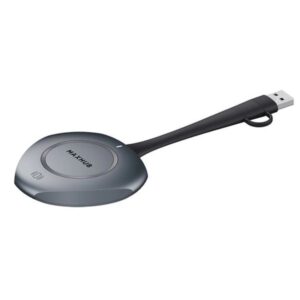
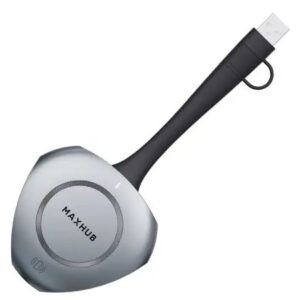
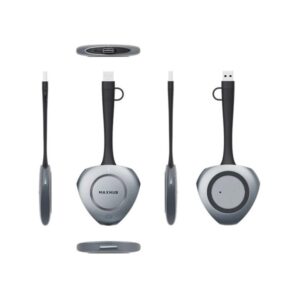
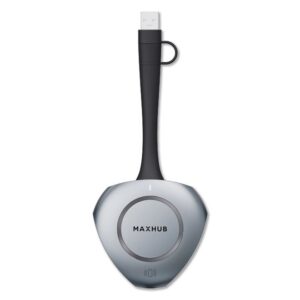
MAXHUB WT13M – Wireless BYOM Dongle, UHD Quality, 5s Plug & Share, Camera, Mic, Speaker Sharing, USB-C & USB-A
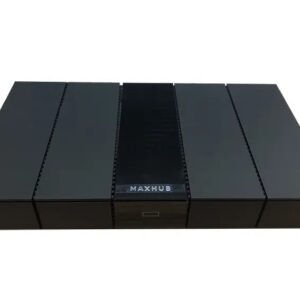
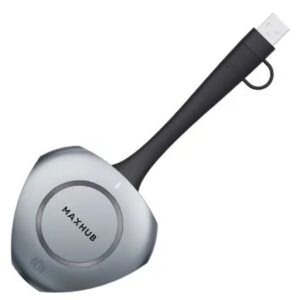
With its Bring Your Own Meeting (BYOM) features, the MAXHUB WT13M device provides more than just screen sharing. The MAXHUB IFP V6 Series and UC S15 support this feature.
- Description
- Reviews (0)
MAXHUB WT13M 4K Wireless BYOM Dongle Specifications:
- Manufacturer: MAXHUB
- Model: WT13M
- Max. Connection Distance: 12 meter
- Max. Startup Time: ≤ 5s
- Cold Start Time: ≤ 12s
- Max. Disconnect Time: 1s
- Transmission Delay: ≤ 120ms
- Max. Resolution: 1920×1080@30 Hz / Up to 3840×2160@30 Hz
- NFC Connect: Supported
- Touch Back: Supported
- Wi-Fi: 5GHz, 802.11a/n/ac/ax
- Bluetooth: 5.2
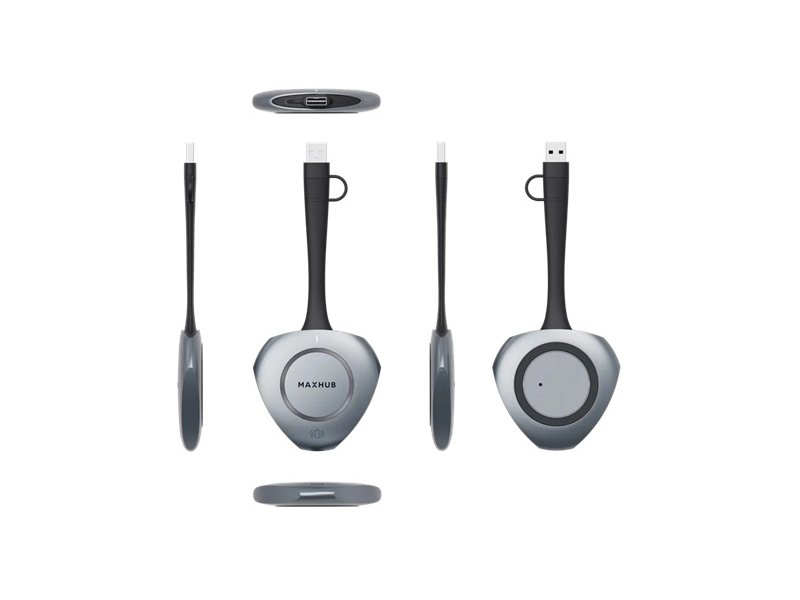
- Interface: USB Type-C, USB Type-A (adapter)
- Dimension L×H×W: 171.3×78.7×19.4 mm
- Net Weight: 75g (0.15 lbs)
- Power Requirements: 5V@500mA
With its Bring Your Own Meeting (BYOM) features, the MAXHUB WT13M device is meant to provide more than just screen sharing. The MAXHUB IFP V6 Series and MAXHUB UC S15 support this feature, allowing users to broadcast their audio and video to other devices. With 5-second quick-start features, enjoy a seamless USB type-C screen sharing experience that doesn’t require drivers or other software.
UHD video quality
4K Ultra HD screen mirroring further ensures sharper text display, finer image textures and a true-to-life visual experience.
5s plug and share
Forget complicated installations. With 5s Rapid Pair, you simply have to plug in to the terminal and tap to begin mirroring.
Multi-screen sharing
Experience simultaneous connections with up to 8 wireless screen mirroring devices, spanning various projection modes.
Wi-Fi 6 supported
Embrace drive-free efficiency enabled by MAXHUB BYOM (Bring Your Own Meeting), simply connecting your PC to a MAXHUB VC device.
Share without cables
Experience simultaneous connections with up to 8 wireless screen mirroring devices, spanning various projection modes: mirror, extended display, and application screen mirroring.
Plug and Play
Remote collaboration has never been easier. Just enjoy the streamlined meeting process with your personal computer without software and interface limitations.
NFC Touch and connect
With a built-in NFC tag, no meeting time has to be wasted. Simply tap your mobile device on the designated NFC area to connect to MAXHUB and start Sharing your screen wirelessly.
Wireless touchback
Every presenter will enjoy greater flexibility and control over mirrored content, along with features such as Touch Back control and pen annotation.
Only logged in customers who have purchased this product may leave a review.








There are no reviews yet.