
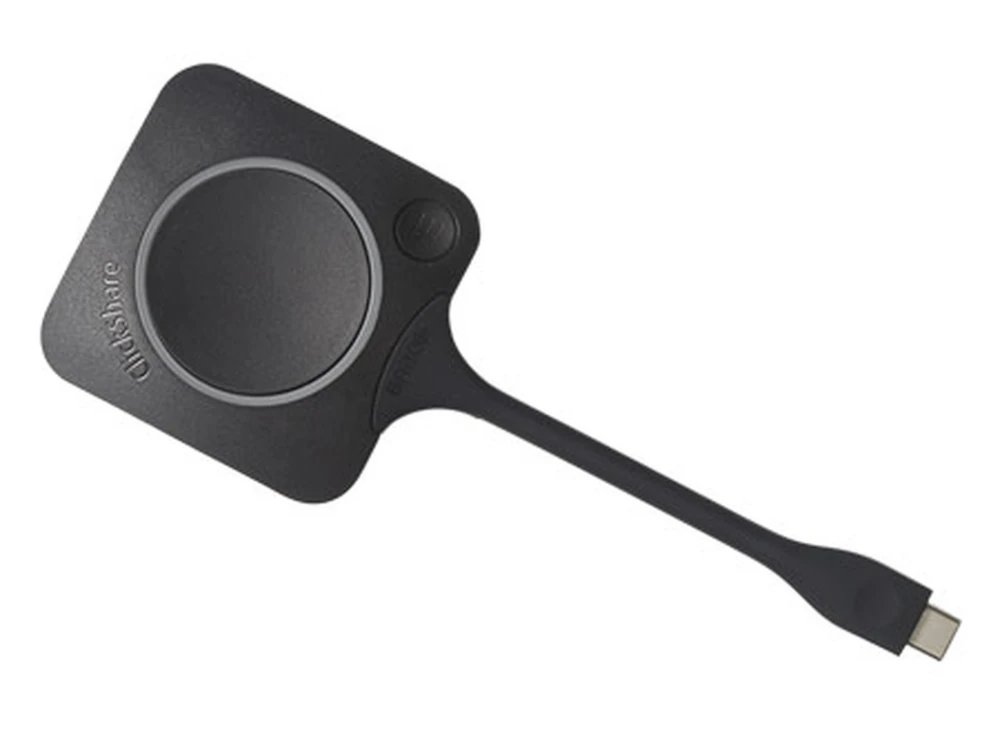
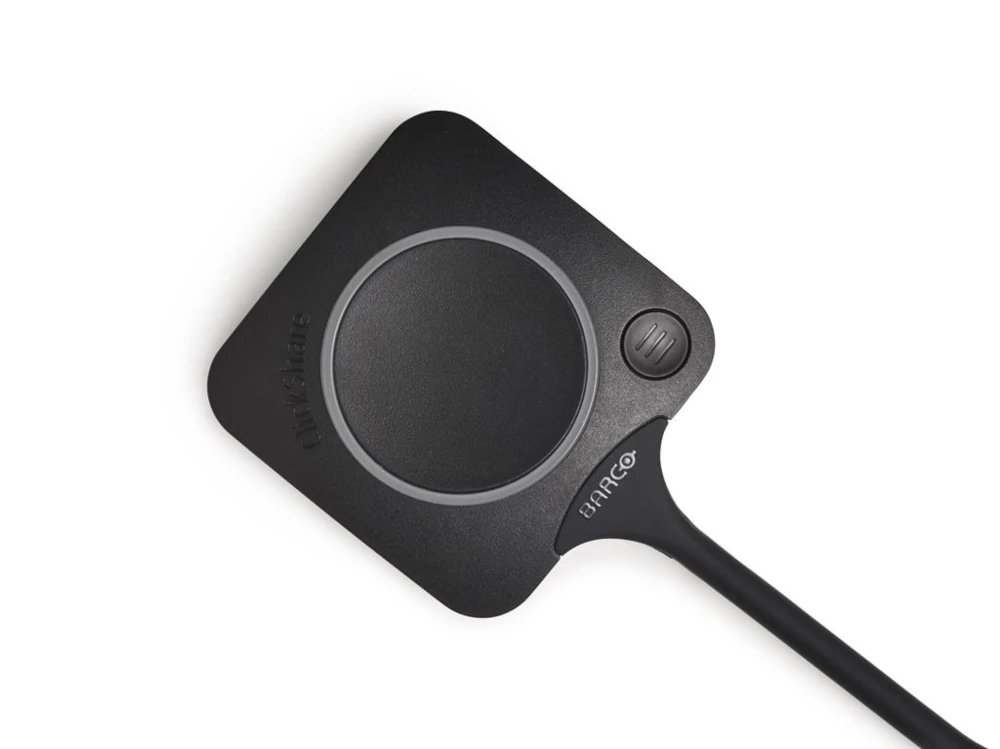
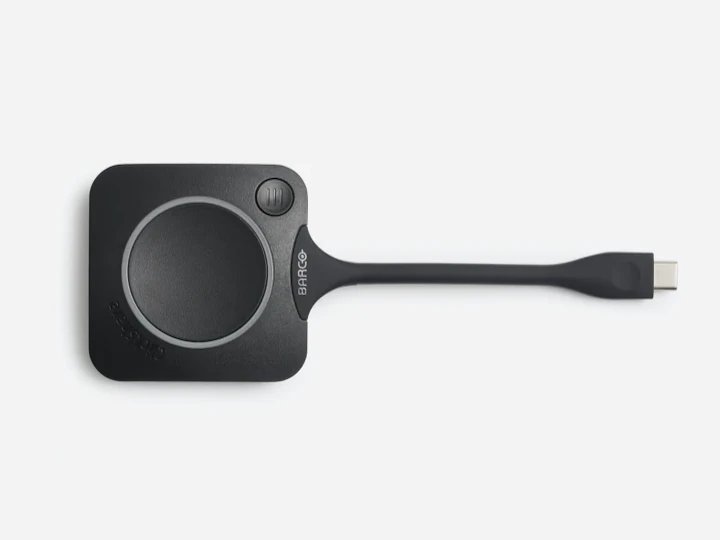
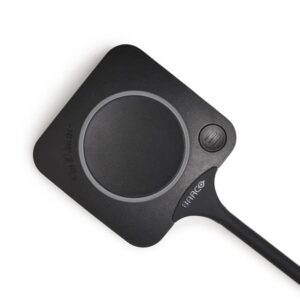
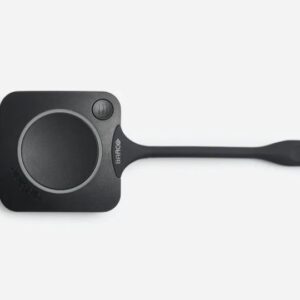
Barco ClickShare Conferencing Button, USB-C Device to Start Wireless Conferencing & Content Sharing
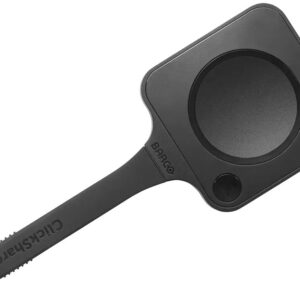
The ClickShare Conferencing Button instantly gives you access to wireless conferencing, a more immersive, interactive and guest-friendly meeting experience.
Request a Quote via WhatsApp
- Description
- Reviews (0)
Barco ClickShare Conferencing Button Specifications:
- Manufacturer: Barco
- Model: ClickShare Conferencing Button
- Weight: 60 gr -0.132 lb
- Frequency band: 2.4 GHZ and 5 GHz
- Wireless transmission protocol: IEEE 802.11 a/b/g/n/ac
- Authentication protocol:
- WPA2-PSK in stand alone mode
- WPA2-PSK or IEEE 802.1X in network integration mode
- Connectors: USB-C type
- Dimensions: (HxWxD) 14.6 mm x 59.3 mm x 161.39 mm / 0.57” x 2.354” x 6.354”
- Power consumption: Powered over USB
- 5V DC, 350mA Typical, 500mA Maximum
The ClickShare Conferencing Button instantly gives you access to wireless conferencing, a more immersive, interactive and guest-friendly meeting experience. Set up your remote meeting with your preferred UC solution. Plug in the USB-C device in your laptop, click and in less than 7 seconds, you are automatically connected to meeting room cameras, microphones, soundbars and any other AV peripherals. You get richer audio, have wider views of the room and can add video to your mix.
BBarco ClickShare Conferencing Button Product Features:
- Iconic ClickShare component
- USB-C device to start wireless conferencing and content sharing
- Additional Quick Button with collaboration features
- Ultra-fast setup
Only logged in customers who have purchased this product may leave a review.









There are no reviews yet.